Three sources, one box
Paste a Spotify, SoundCloud or YouTube link. Nightshift picks the right pipeline — spotDL or yt-dlp — by itself and streams the progress live.
Your music library’s night shift.
A self-hosted web UI that pulls music from Spotify, SoundCloud and YouTube into your local library — tagged, organized, playlist-ready, and kept up to date automatically every night.
Paste a Spotify, SoundCloud or YouTube link. Nightshift picks the right pipeline — spotDL or yt-dlp — by itself and streams the progress live.
Mark a playlist once and the nightly job keeps it up to date, working through large ones across several nights when rate limits bite.
Find tracks and albums through the iTunes catalog, preview them, and pull them into the library with one click.
Optional beets integration imports and tags new files, and m3u8 playlists are written so your media server picks them up instantly.
Admin and regular accounts, each with their own download log. Downloaded playlists can be made public or handed to a Navidrome user.
A full light and dark theme, and an interface translated into seven languages.
Native clients for iOS and Android, talking to the same API as the browser. Nothing to enable on the server.
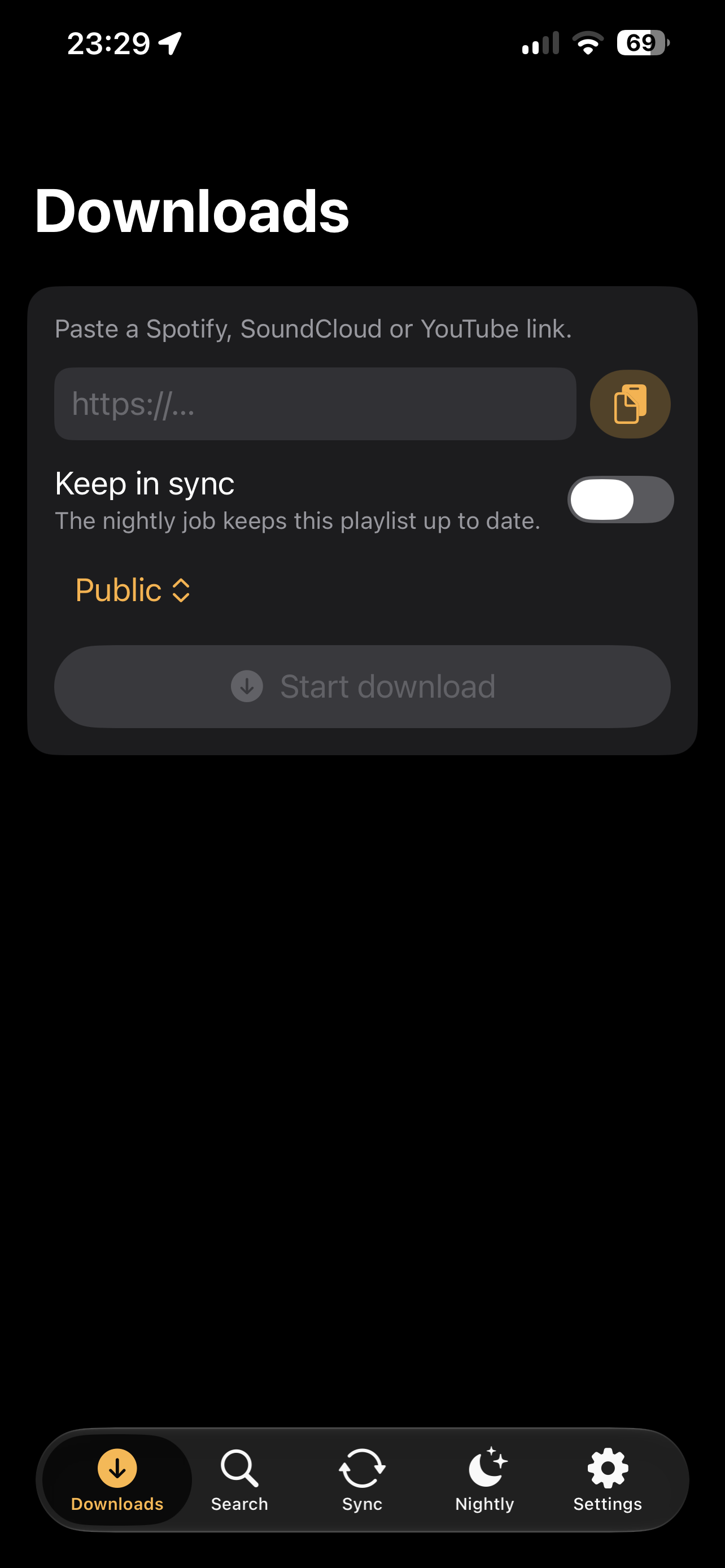
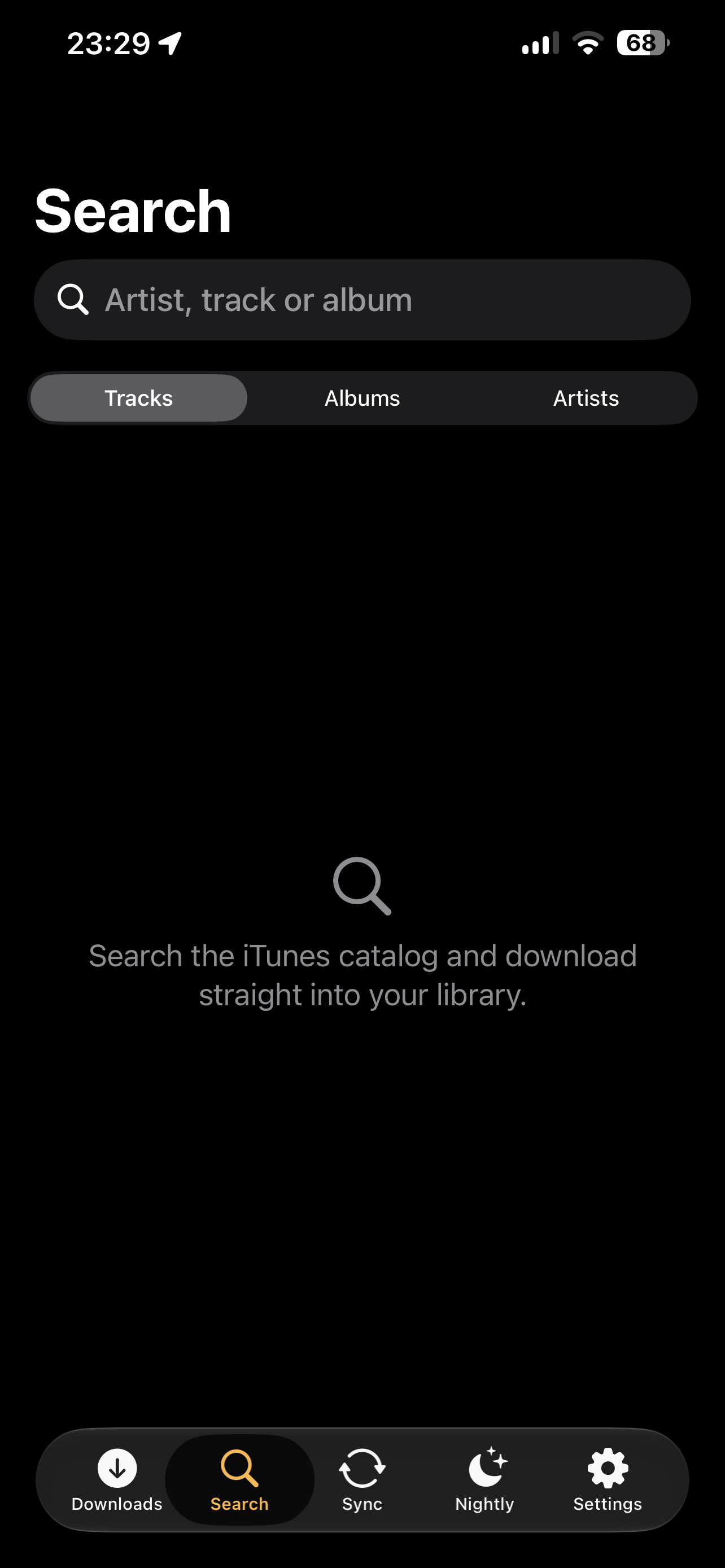
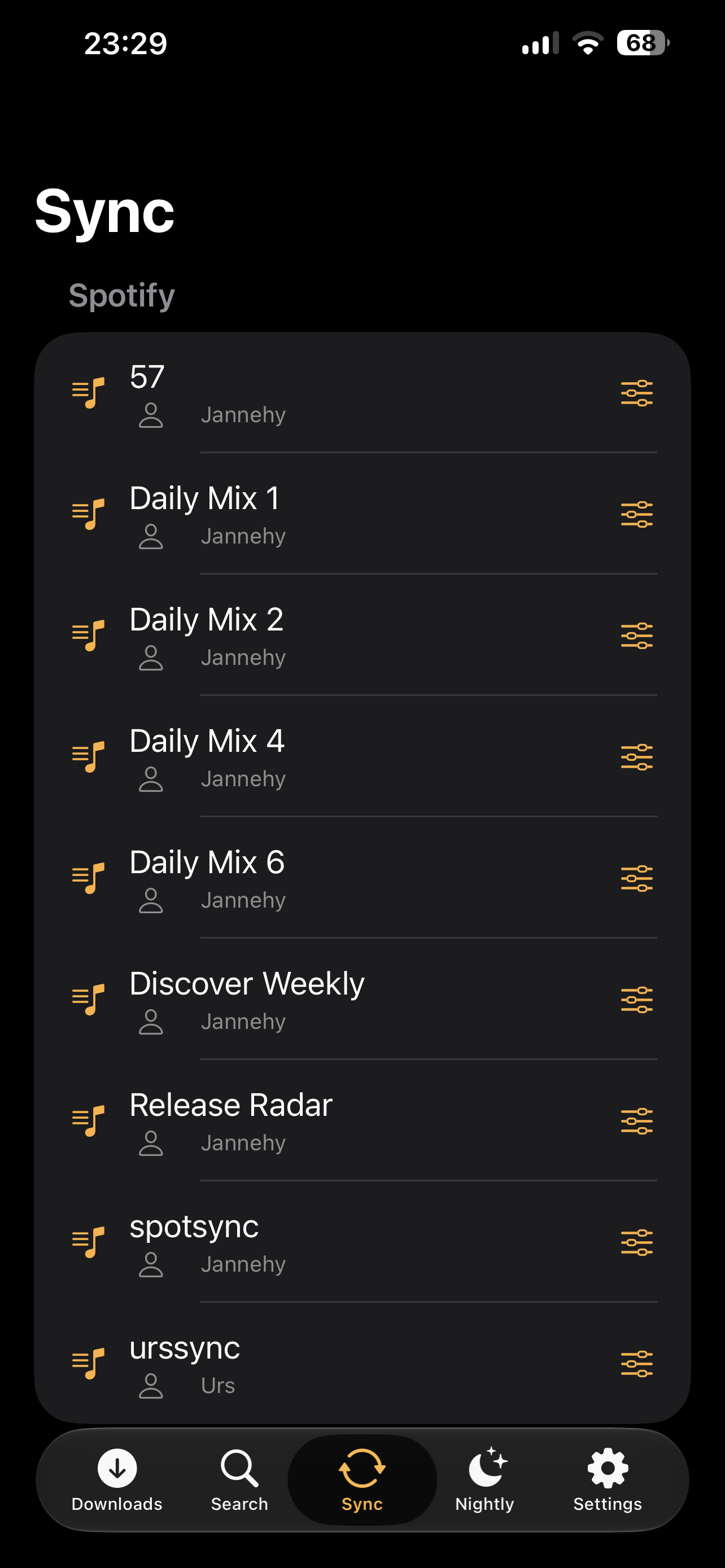
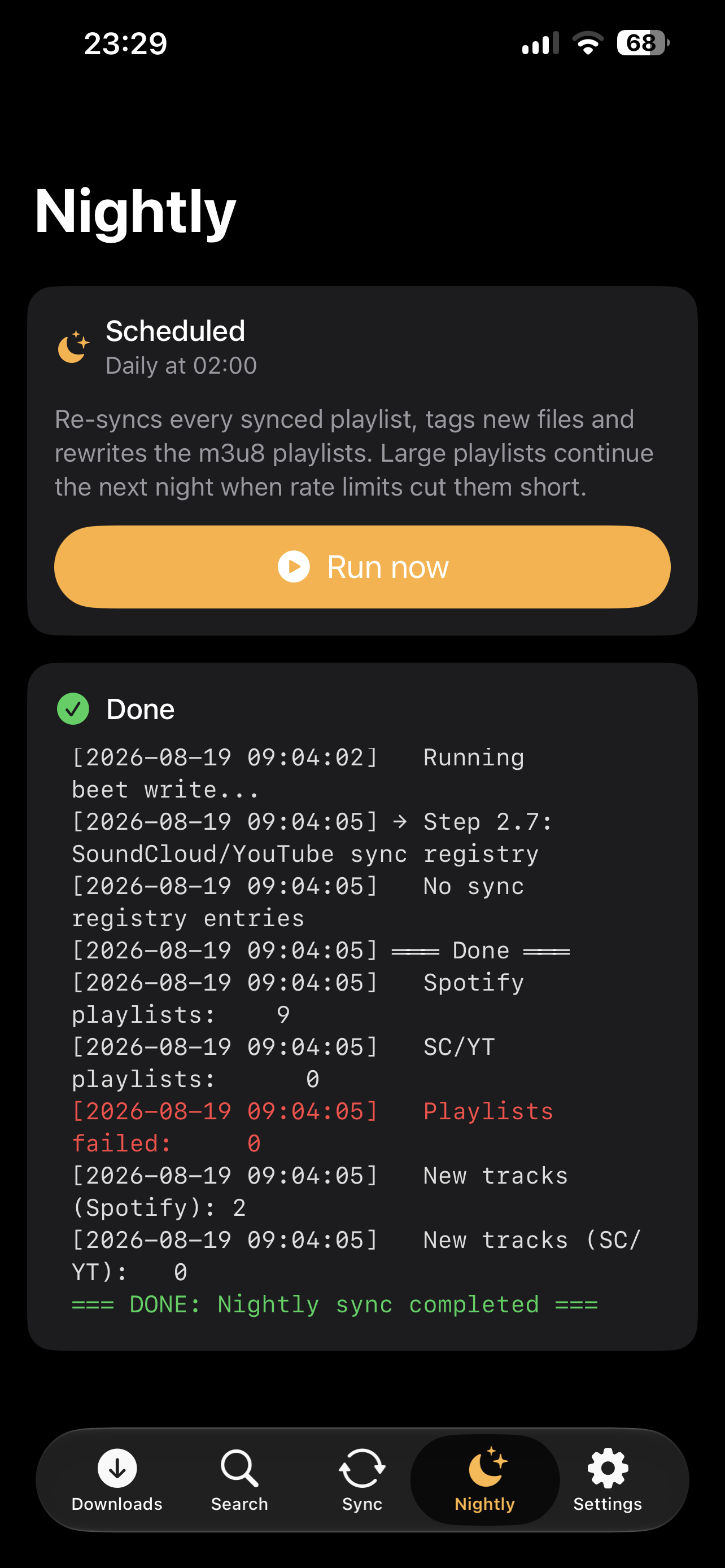
SwiftUI, iPhone and iPad with iOS 16 or newer. Apple does not allow this kind of app in the App Store, so it is installed through AltStore or SideStore — or sideloaded from the IPA.
Jetpack Compose, Android 8 or newer. Download the APK, open it, allow the install once — updates then land straight over the previous version.
The image brings everything the pipelines need — ffmpeg, yt-dlp, deno, spotDL and beets — so there is no version drift between components.
services:
  nightshift:
    image: ghcr.io/jannehy/nightshift:latest
    container_name: nightshift
    ports:
      - "8765:8765"
    volumes:
      - ./config:/config
      - /path/to/your/music:/music
    environment:
      - PUID=1000
      - PGID=1000
      - TZ=Europe/Berlin
    restart: unless-stopped
docker compose up -dOpen http://your-server:8765 and follow the setup wizard: admin
account, library path, options. No config file editing required.
Nightshift is a normal Python application and ships with a production WSGI
server, so pip install -r requirements.txt and
python -m nightshift are enough. The
README
has the details, including why deno has to be on the PATH.
Nightshift is a library manager and download orchestrator. It coordinates established open-source tools — spotDL, yt-dlp, beets — it does not implement downloading itself, and it does not circumvent DRM: protected tracks are skipped.
Downloading content may violate the terms of service of the respective platforms and, depending on the content and your jurisdiction, copyright law. Use Nightshift only for content you have the right to download — your own uploads, content licensed for free use, or where your local law permits private copies.
This project is not affiliated with Spotify, SoundCloud, YouTube, Apple or Navidrome.